Instagram-ready video ads for your business
Your CallSeeds agent answers the phone. Ad Studio makes the Reels. Describe the business, pick scenes, add a native voiceover, and download HD — same account, same credits.
Enable Ad Studio in Account settings, then open it from the Workspace sidebar.
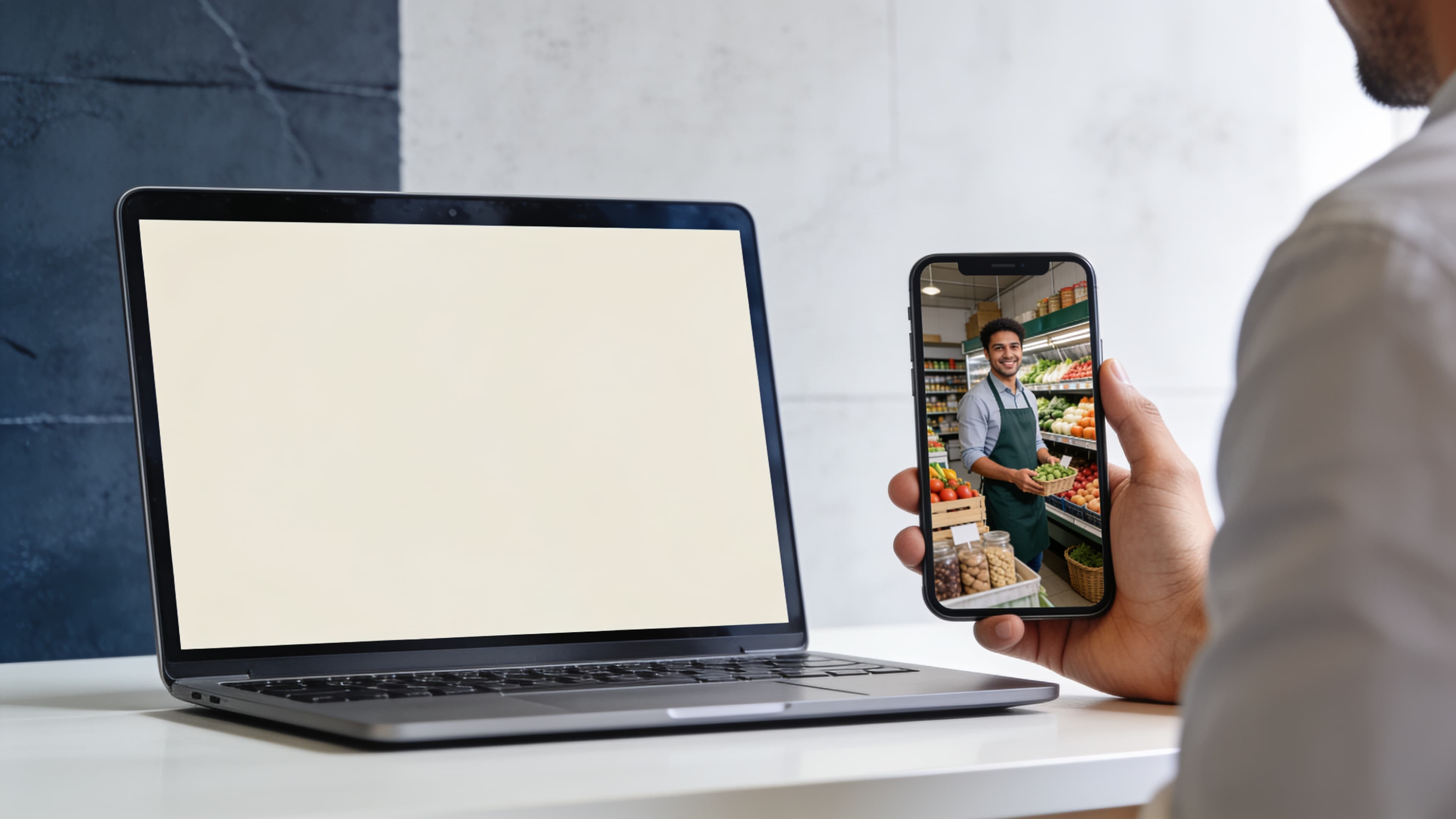
How it works
Four steps from brief to Reel
An eight-step wizard in the dashboard. You can skip the brand card, watermark, and sound effects.
01
Pick a format
Reels and Stories (9:16), Feed portrait, square, or landscape — each option shows the real video shape.
02
Describe the ad
Write a short brief or generate one from the business. Any shop works — cars, travel, food, salons, services.
03
Build scenes
Upload photos or generate AI stills, then pick about six scenes for a ~24 second Reel. Keep faces consistent or change the place each shot.
04
Voice, brand, finish
Choose Hindi, English, Hinglish, or Punjabi. Preview ElevenLabs v3 narration, add an optional business card and watermark, then merge.
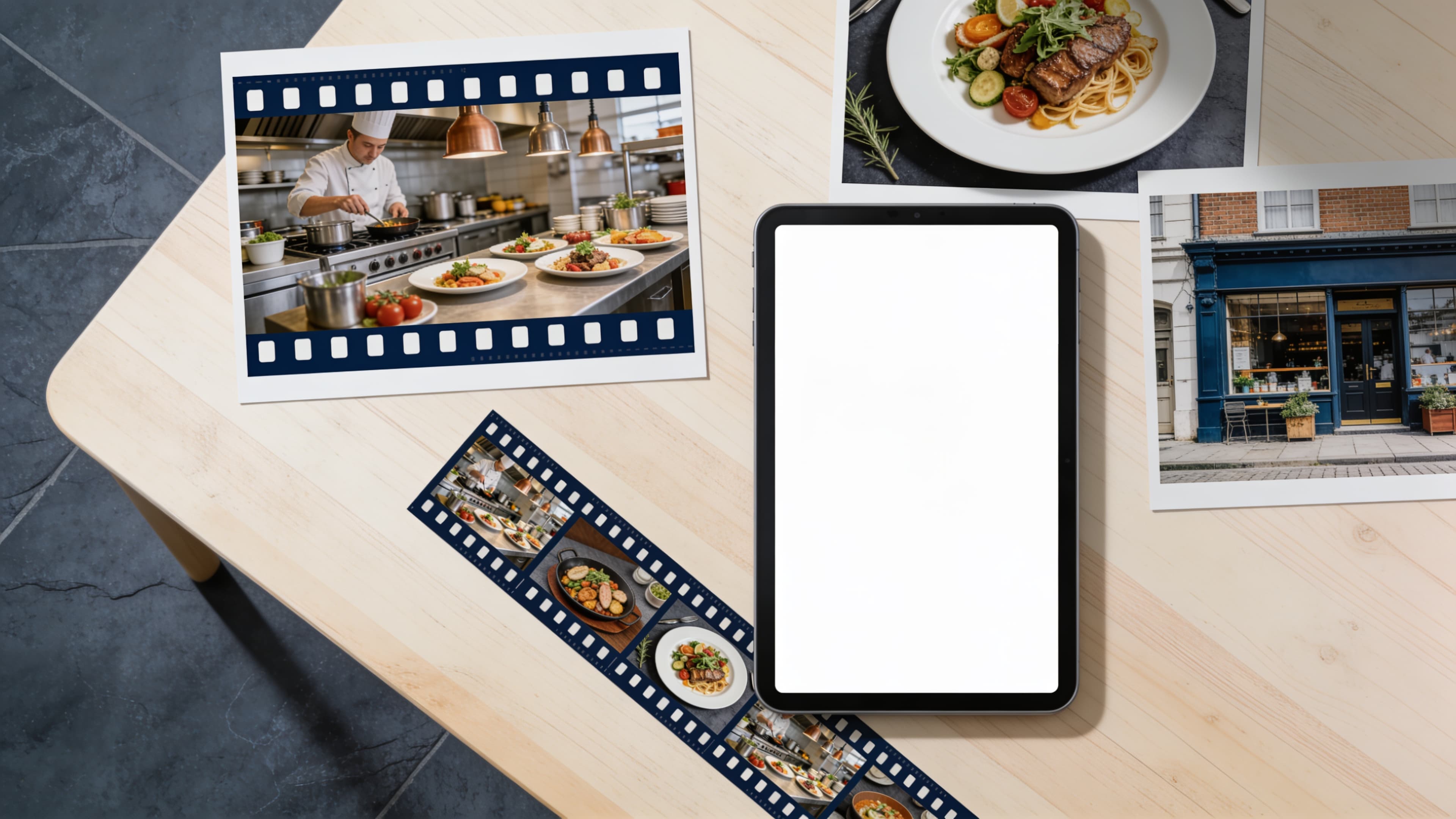
Scenes
AI stills or the photos you already have
Build a library, then check the frames for this Reel. About six scenes at four seconds each become one short ad.
- New place each scene, or the same faces and room with a new camera angle
- Google stills when you need the same person across shots; Flux for cinematic frames
- Drag to reorder. The play order is the story the caller — and Instagram — will see
What's included
Everything you need to post, nothing extra to learn
AI scenes or your photos
Generate cinematic stills or upload what you already shot. Select and reorder the frames this Reel will use.
Native voiceover
ElevenLabs v3 speaks a short ad script — spoken, not sung — in Hindi, English, Hinglish, or Punjabi. Instrumental music sits under the voice.
Formats that fit Instagram
9:16 Reels and Stories, 4:5 Feed portrait, 1:1 square, or 16:9 landscape. Preview the frame before you generate.
Brand on the last scene
Optional end card with name, phone, and website. Optional brand or social watermark on story scenes.
Scene sound effects
Turn on action sounds per scene — coffee pouring, a door, a car pull-up — or keep voice and music only.
Credits, not a new bill
Generation uses your CallSeeds credit wallet. Usage is tagged Ad Studio so you can see it next to call spend.
Formats
9:16
Reels / Stories
4:5
Feed portrait
1:1
Feed square
16:9
Landscape
Voiceover languages
Script length scales with scene count. Preview the voice before you spend credits on the final merge.
Same agent. Ads and calls, one platform.
Every ad belongs to an agent, so the business name and brand stay consistent. When someone sees the Reel and calls, that agent can book, take the order, or answer from your knowledge — not a separate video tool.
Make the next Reel in your CallSeeds dashboard
No extra editor. No agency brief. Create Ads, finish the wizard, and download HD when it is ready.