
Help Center
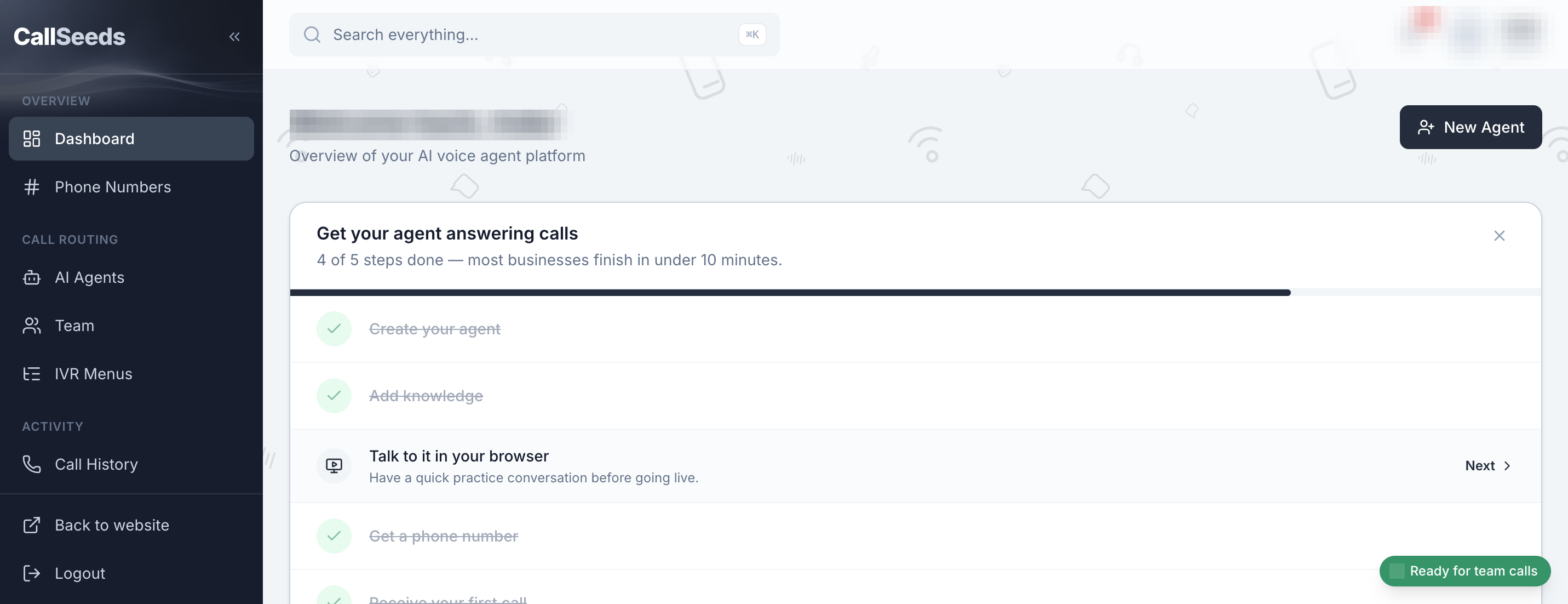
How to use the CallSeeds dashboard
Short product guides with real screenshots. Follow the path below to go live, or jump to a topic.
Recommended path
Go live in five steps
Same order as the checklist inside your dashboard.
Browse by topic
Find the screen you need
Getting started
Set up your account and go live with your first AI phone agent.
1 guide
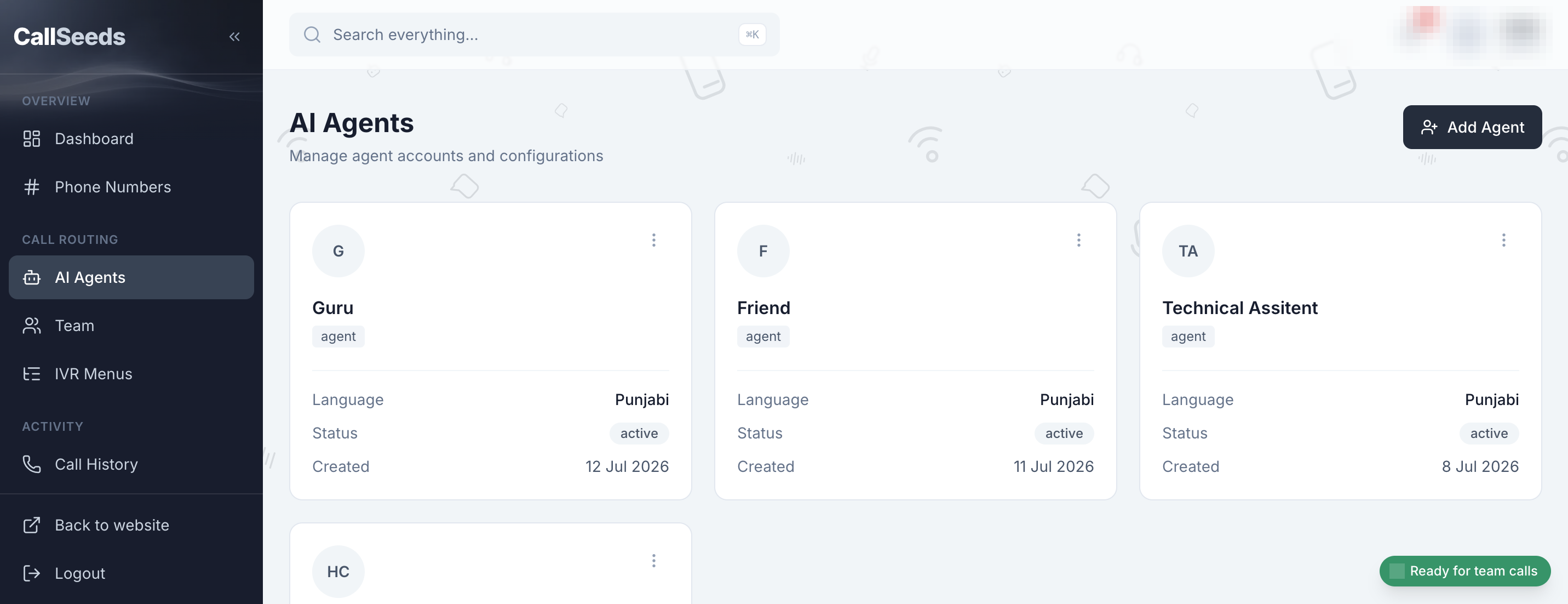
AI agents
Create agents, add knowledge, test conversations, and make Ad Studio Reels.
4 guides
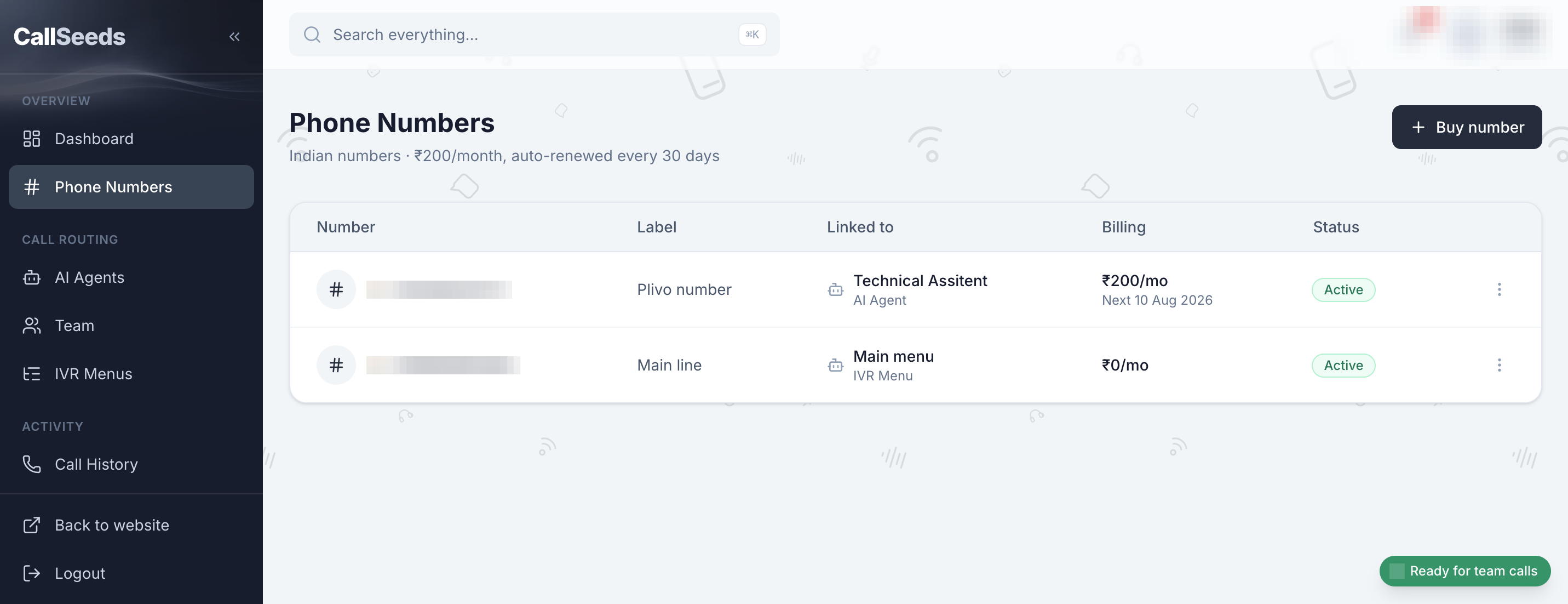
Phone numbers
Buy numbers, assign agents, and route inbound calls.
2 guides
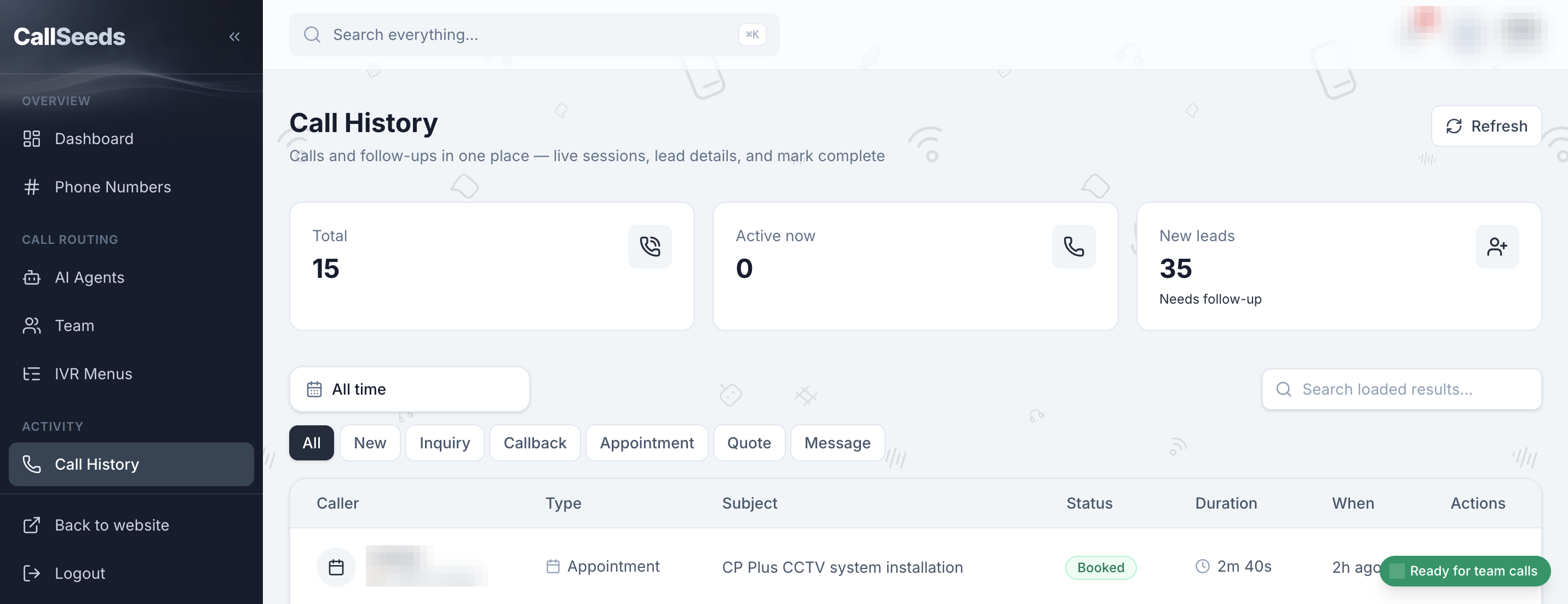
Calls & leads
Review history, transcripts, and captured leads.
1 guide
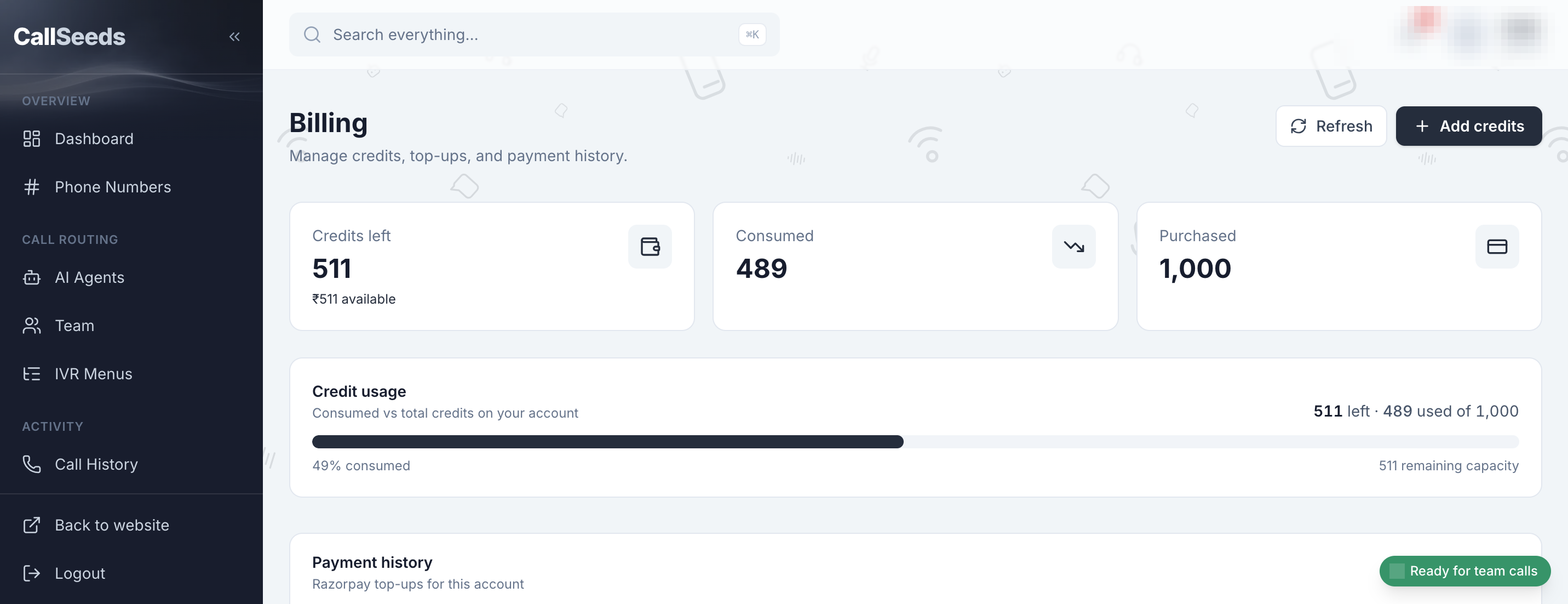
Billing & team
Credits, usage, and browser team answering.
2 guides
Getting started
Set up your account and go live with your first AI phone agent.
AI agents
Create agents, add knowledge, test conversations, and make Ad Studio Reels.
- 6 min read
Create your first AI agent
Step-by-step: create an AI phone agent in CallSeeds, choose a voice, set instructions, and save it for your nu…
Open guide - 5 min read
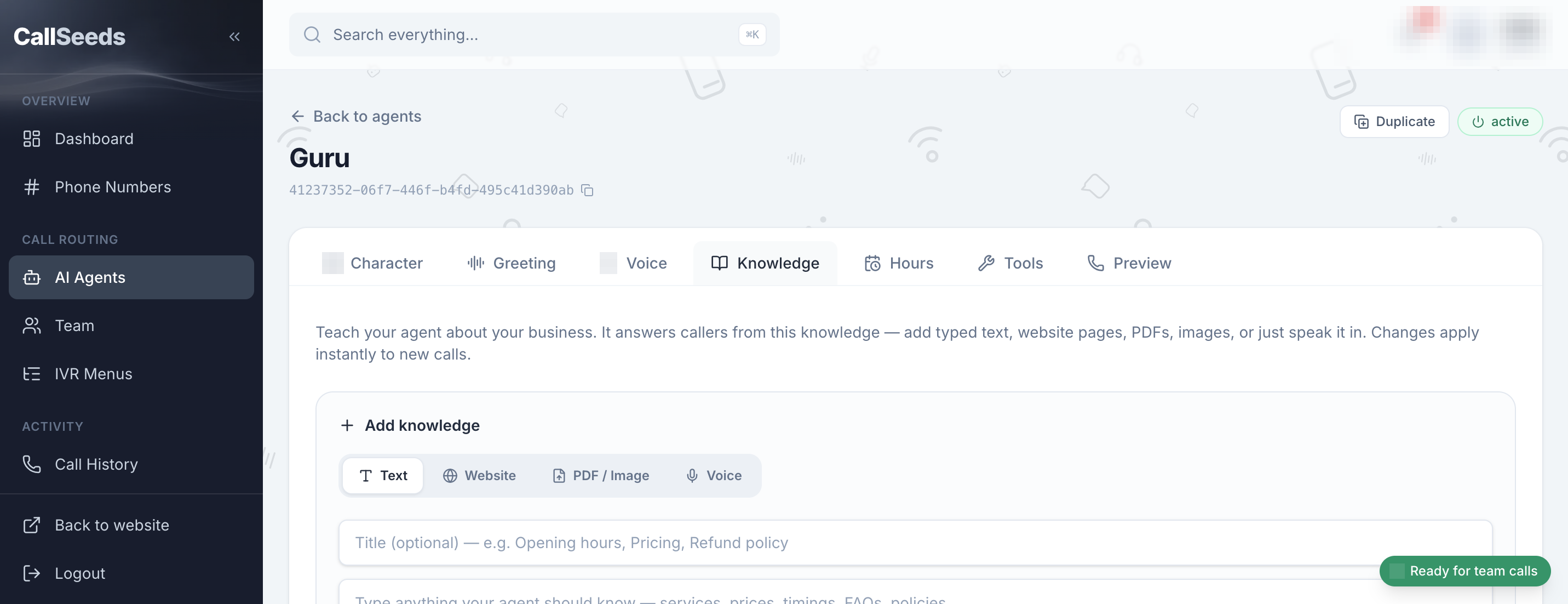
Add knowledge so your agent answers accurately
Teach your CallSeeds agent about hours, services, pricing, and FAQs using the knowledge base — with dashboard…
Open guide - 4 min read
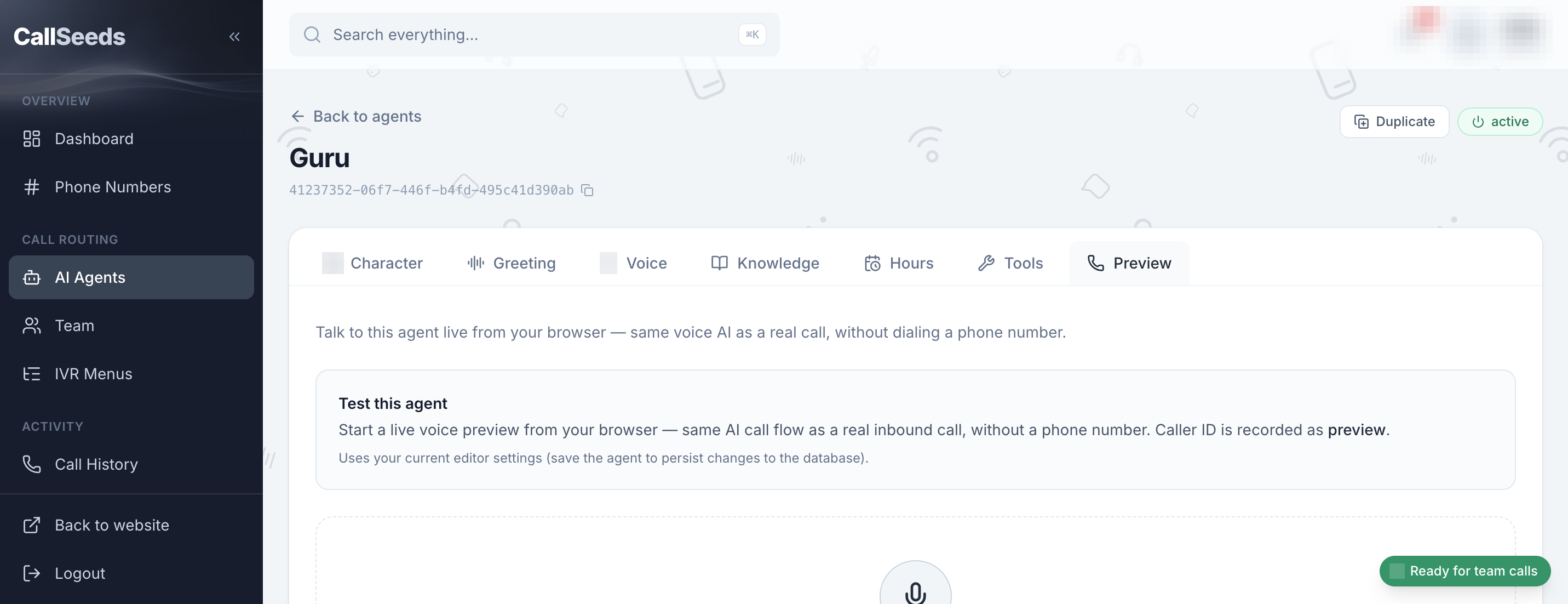
Preview and test your agent in the browser
Practice a conversation with your CallSeeds AI agent in the browser before you put it on a live phone number.
Open guide - 5 min read
Create Instagram ads with Ad Studio
Use CallSeeds Ad Studio to turn a short brief into an Instagram-ready Reel: format, scenes, voiceover, then do…
Open guide
Phone numbers
Buy numbers, assign agents, and route inbound calls.
- 7 min read
Phone number compliance: get approved before you buy
Indian local numbers on CallSeeds need an approved business compliance profile before you can buy. Learn how t…
Open guide - 6 min read
Get a phone number and link it to your agent
After compliance approval, buy an Indian CallSeeds number, attach your AI agent, and start receiving inbound c…
Open guide
Calls & leads
Review history, transcripts, and captured leads.
Billing & team
Credits, usage, and browser team answering.
- 5 min read
Billing, credits, and usage
Understand CallSeeds billing, transparent voice model rates, phone number fees, and how to track usage in the…
Open guide - 3 min read
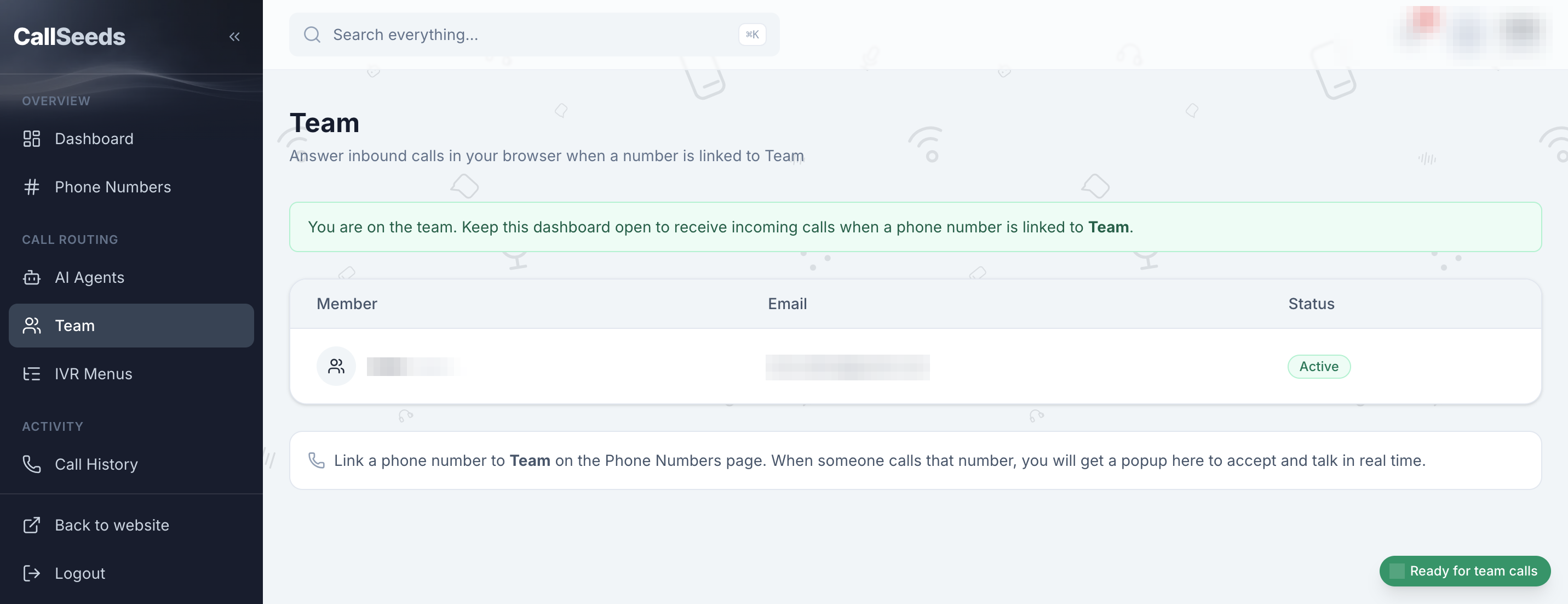
Answer calls with your team in the browser
Use CallSeeds Team answering so staff can pick up inbound calls live in the browser when a number is linked to…
Open guide
Still need help?
10 guides online · email us anytime at hello@callseeds.com