How-to guides
Industry Templates for AI Phone Agents: Set Up a Clinic, Salon, or Restaurant Agent in Minutes
CallSeeds industry templates pre-load tools, tone, hours, and survey questions for clinics, salons, restaurants, real estate, coaching, and reception — so your AI phone agent sounds ready on day one.
· 9 min read
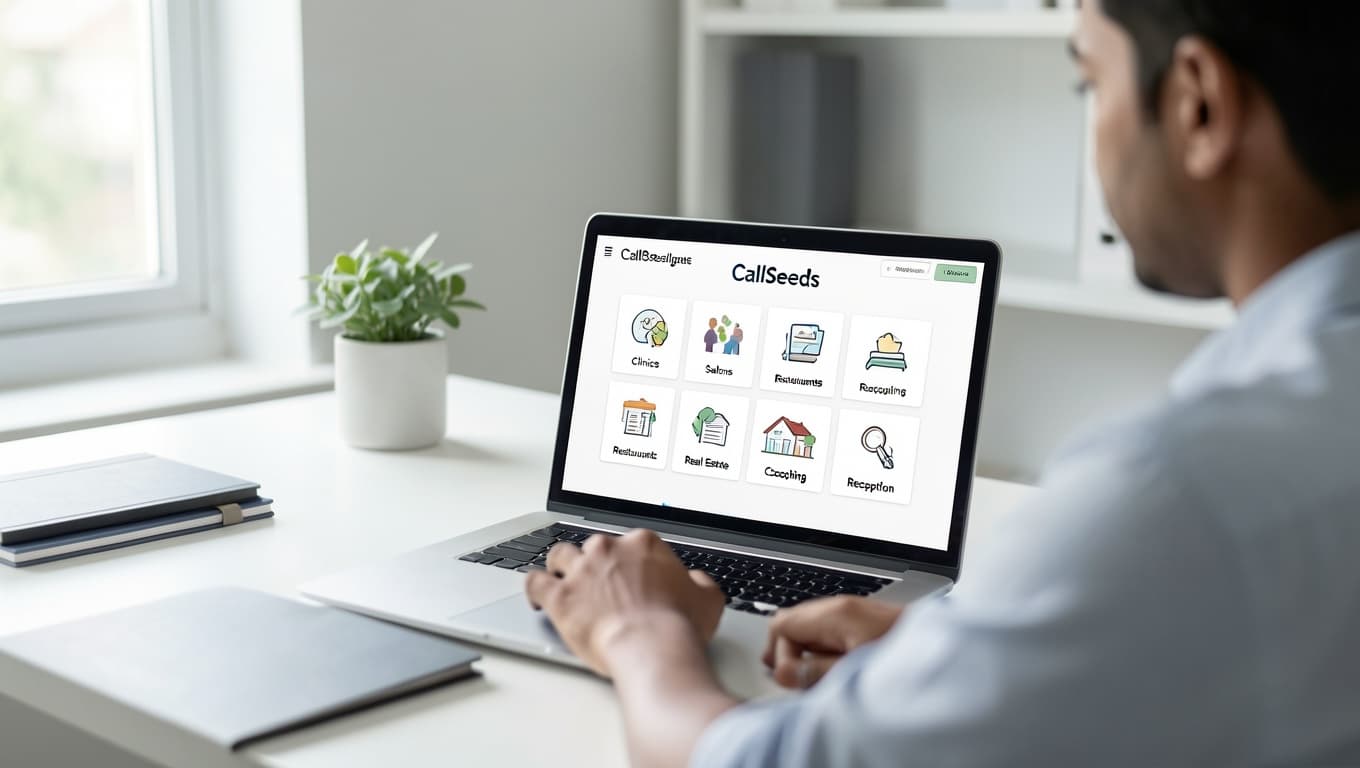
The hardest part of launching an AI phone agent is rarely the phone number. It is knowing what the agent should do on the first call — book an OPD slot, take a salon appointment, capture a site-visit lead, or open a support ticket. CallSeeds industry templates solve that by starting from how your business already answers the phone, instead of a blank script.
Pick Clinics, Salons, Restaurants, Real Estate, Coaching, or Reception in the setup wizard. The template pre-loads the tools, personality, language defaults, and hours pattern that match that industry, then asks a short survey so the agent is shaped for your subtype — dental vs diagnostic lab, hair salon vs spa, test-prep vs tuition — before you go live.
What an industry template actually is
An industry template is a ready-made starting point for your AI receptionist. It is not a generic chatbot with a new label. Each CallSeeds template maps to the same industry pages you see on the website (/for/clinics, /for/salons, and so on) and to the in-app wizard, so marketing, setup, and live behavior stay aligned.
Under the hood, a template sets sensible defaults before you customize anything:
- Tools — clinics and salons enable appointment booking; restaurants enable order capture; reception leans on tickets and transfers
- Personality — calm and reassuring for healthcare, warm for salons, crisp for sales-style real estate enquiries
- Hours pattern — OPD split shifts, retail evenings, dinner rushes, or office weekday coverage
- Survey questions — subtype chips so the agent knows you are a dental clinic, not a generic “healthcare brand”
- Language defaults — English-first with Hindi (and Punjabi where useful) ready for Indian callers
Why blank setup slows teams down
Starting from a blank agent forces every founder to invent the same decisions: which tools to turn on, how formal the greeting should sound, what “urgent” means, and which FAQs belong in knowledge. That is how setups stall for days — or go live with a polite agent that cannot book, take an order, or hand off to a human.
Industry templates reverse that. You begin with a role that already matches the call types you lose today — peak OPD overload, lunch-rush salon phones, dinner takeaway lines, evening property enquiries — then you layer your real hours, prices, and policies on top.
The six CallSeeds industry templates
Clinics & healthcare
Built for OPD bookings, doctor FAQs, report enquiries, and urgent transfer. The survey asks clinic type (dental, pediatric, diagnostic lab, and more) so greetings and slot logic match how your front desk actually works. Emergencies stay human — the agent is instructed not to give medical advice.
Salons & beauty
Focused on appointment booking while stylists are busy with clients. The template expects preferred stylist, service type, and confirmation habits (including WhatsApp) so callers get a booking path instead of a callback promise that never happens.
Restaurants & cafes
Order and reservation intent come first. Tools lean toward placing orders and capturing details during rush hours when nobody can leave the floor. Menu knowledge and timing rules are what you add — the template already assumes food-business call patterns.
Real estate
Site-visit scheduling and lead capture for property enquiries. The agent qualifies interest, books visits against real openings when you configure them, and keeps brokers from losing evening Google leads to voicemail.
Coaching & education
Admission-season enquiry handling: fees, batches, demo classes, and structured parent leads. Counselors get a complete follow-up list instead of whoever happened to get through during a result-day spike.
Offices & reception
The general virtual receptionist for agencies and service businesses — FAQs, tickets, messages, and smart transfer. Use this when you need a professional front desk more than a vertical booking flow.
How the setup wizard uses your template
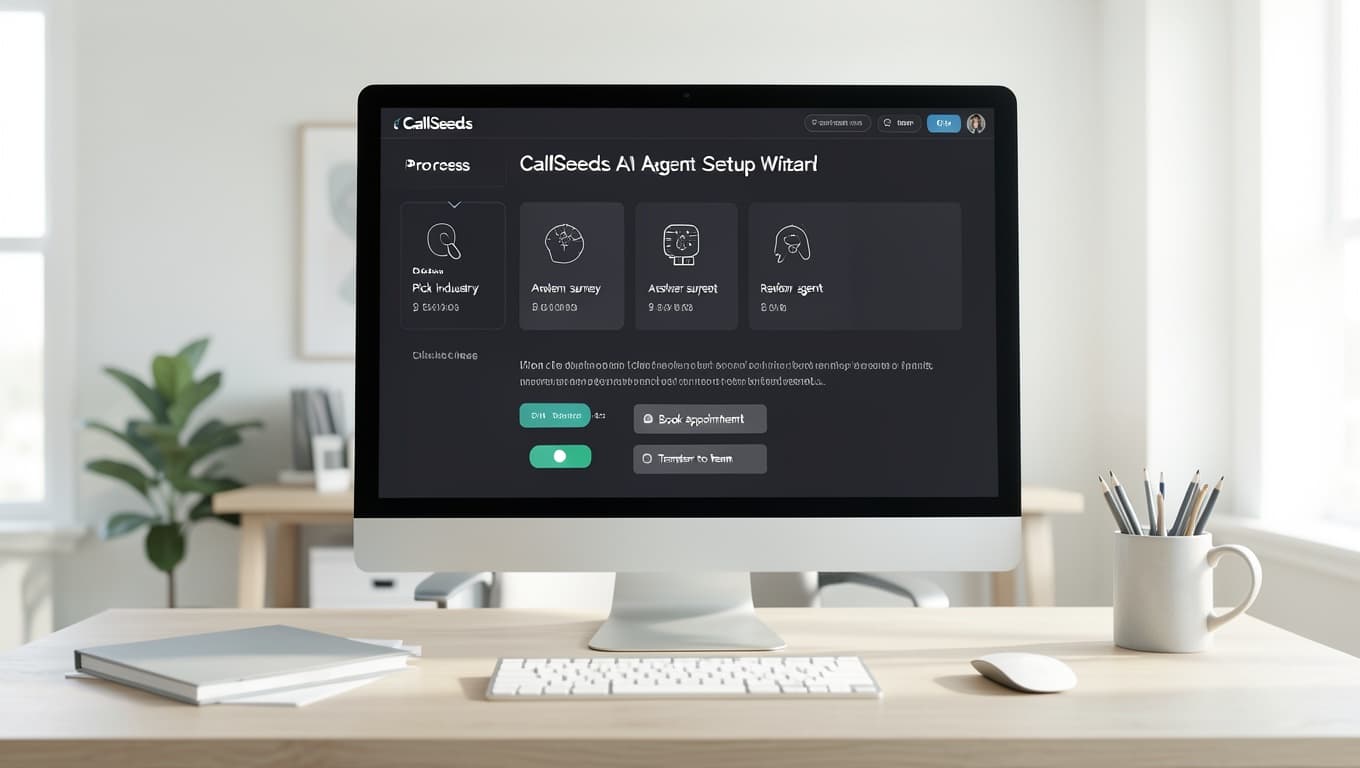
In practice, setup feels like four short moves:
- Pick the industry that matches your callers — not a vague “general AI” option
- Answer the subtype and business survey (name, location, what the phone should handle)
- Review the generated agent: greeting, tools, availability windows, and personality
- Add knowledge (hours, prices, policies), link a number, run a real test call, then go live
Because tools and hours start industry-shaped, most teams spend time on their unique facts — fee list, menu, OPD schedule — instead of reinventing receptionist logic. That is why a first solid agent often lands in well under two hours, with polish over the first week of real calls.
Templates vs writing everything from scratch
- Faster launch — defaults remove the blank-page tax on day one
- Fewer wrong tools — restaurants do not ship with medical booking toggles by accident
- Better first-call quality — tone and intent match what callers expect in that industry
- Clearer testing — you know which scenarios to dial: book a slot, place an order, request a site visit
- Same path as marketing pages — the /for industry guides describe the template you will actually use
Tips to get more from your template
- Be honest about subtype — a diagnostic lab is not a GP clinic; the survey exists so the script fits
- Load spoken knowledge — short answers for hours, address, services, and what you do not offer
- Define urgent handoff — who gets emergency clinic transfers or angry customer escalations
- Test in the languages your callers mix — Hindi–English on the same call is normal in India
- Start with overflow or after-hours if you want a low-risk first week, then expand traffic
Pick your industry and go live
Industry templates turn AI phone agent setup from a blank project into a guided path: choose how your business already works, answer a short survey, review a ready agent, and connect a number. Browse the CallSeeds industry pages for clinics, salons, restaurants, real estate, coaching, or reception — then open the setup wizard and use the matching template so your first callers hear a front desk that already knows its job.
Put an AI phone agent on your line
CallSeeds answers business calls with natural AI agents — including after-hours coverage, lead capture, and team dashboards. Start free and cover the rings you currently miss.
Start free with CallSeeds