Billing & team
Answer calls with your team in the browser
Use CallSeeds Team answering so staff can pick up inbound calls live in the browser when a number is linked to Team.
3 min readOpen in dashboard
The Team page is where humans answer inbound calls in the browser when a phone number is linked to Team — useful for overflow or VIP lines alongside AI agents.
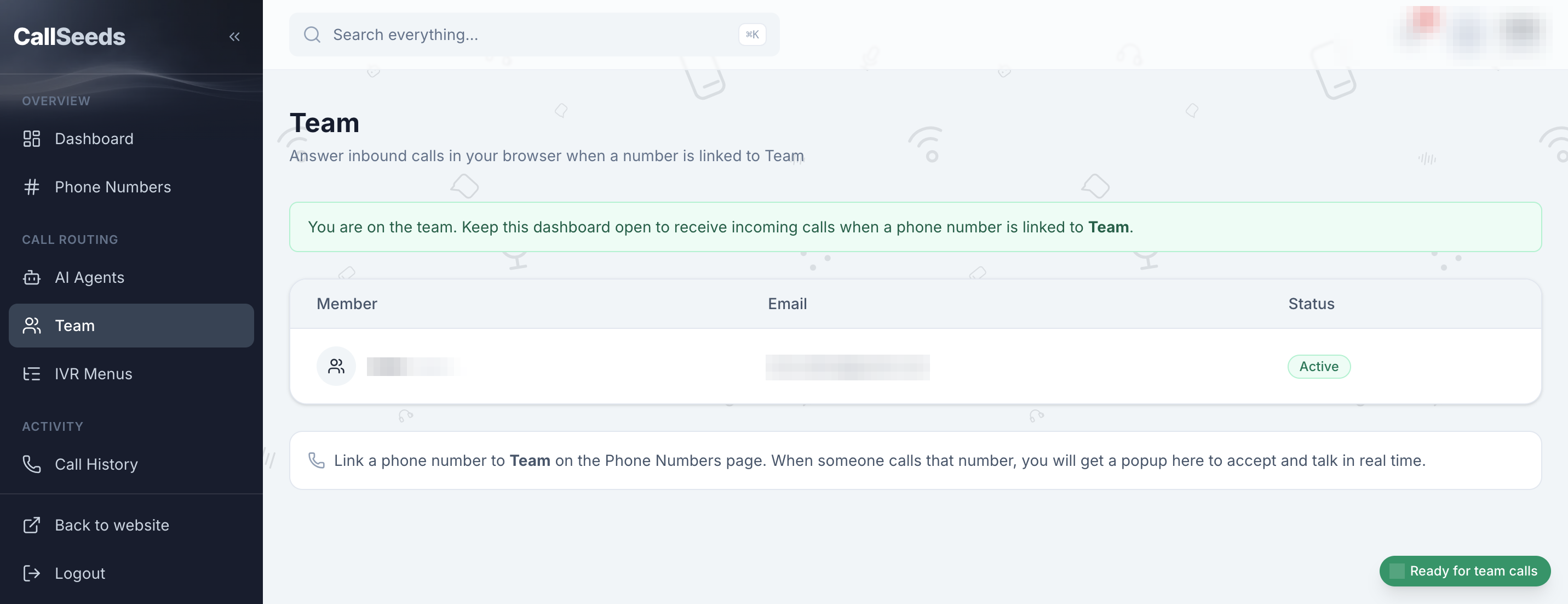
Use Team answering
- Open Team in the sidebar and confirm you are listed as Active
- Keep this dashboard tab open while you want to receive calls
- On Phone Numbers, link a number to Team (instead of — or in addition to — an AI agent)
- When that number rings, accept the popup and talk in your browser
Follow along in your account
Sign in to CallSeeds and keep this guide open while you click through the same screens.