Billing & team
Billing, credits, and usage
Understand CallSeeds billing, transparent voice model rates, phone number fees, and how to track usage in the dashboard.
5 min readOpen in dashboard
CallSeeds is pay-as-you-go: you pay for usage and phone numbers rather than per-seat licenses. Voice cost follows the TTS model you pick (OpenAI, ElevenLabs, Sarvam, or Inworld) at pass-through rates — not CallSeeds “Standard / Enhanced / Premium” tiers. Typical talk-time voice estimates: gpt-4o-mini-tts ≈ ₹1/min, Flash v2.5 ≈ ₹2/min, Eleven v4 Turbo ≈ ₹4.2/min, Bulbul v4 Flash ≈ ₹1/min, Inworld TTS-2 ≈ ₹2.5/min (plus STT, AI, and a small fixed fee).
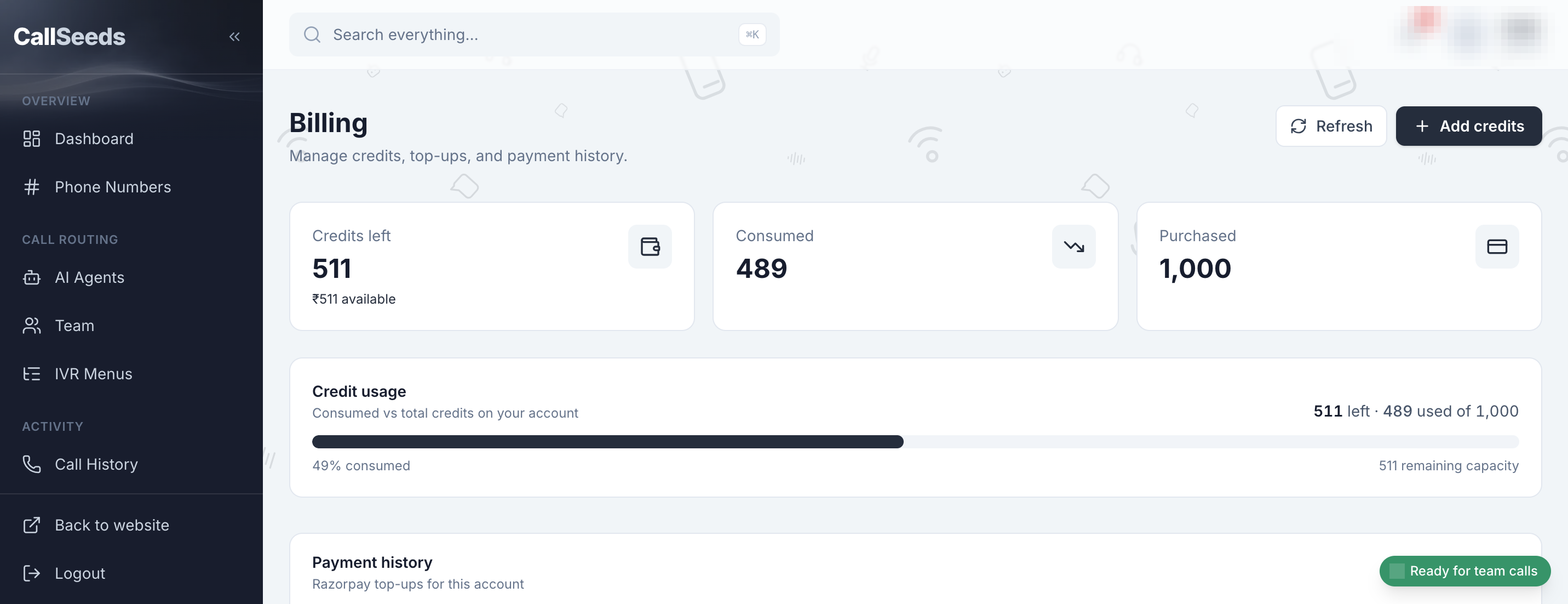
What you typically pay for
- Call usage — voice (TTS model rate) plus speech recognition, AI, and a small fixed fee
- Phone numbers — monthly fee after any introductory period
- Optional Text-to-Speech studio clips — same voice models, from your credit wallet
- Optional Ad Studio Reels — stills, voiceover, and merge, tagged Ad Studio on Usage
- No seat fees for teammates on standard plans
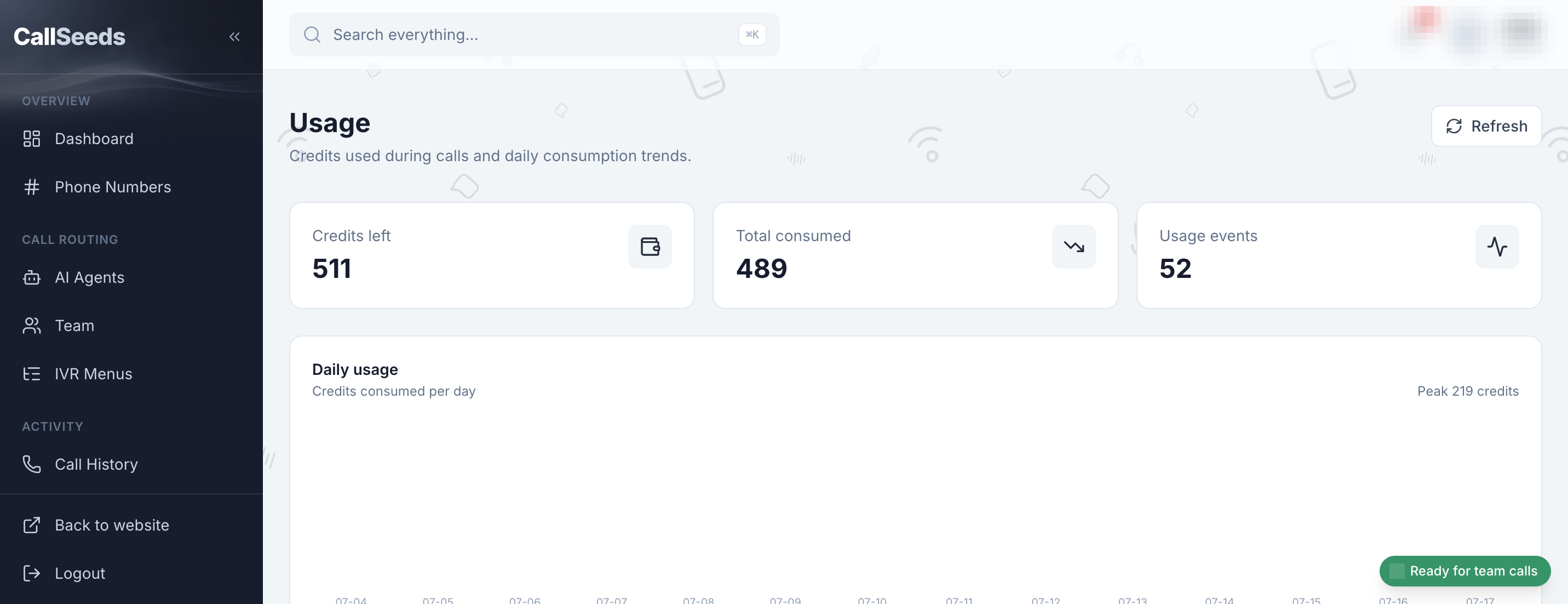
Keep spend predictable
- Open Billing to confirm credits or payment method
- On the agent Voice tab, pick a vendor model and check the model rate before saving
- Check Usage weekly during your first month — expand cost details when needed
- Use spam screening so junk calls do not burn minutes
- Start with OpenAI or Sarvam for everyday lines; use ElevenLabs when polish matters
Follow along in your account
Sign in to CallSeeds and keep this guide open while you click through the same screens.