Calls & leads
Review calls, transcripts, and leads
Use Call History and Leads in CallSeeds to listen to conversations, improve your agent, and follow up with callers.
5 min readOpen in dashboard
Every answered call should teach you something. Call History shows what happened; leads capture who to follow up with.
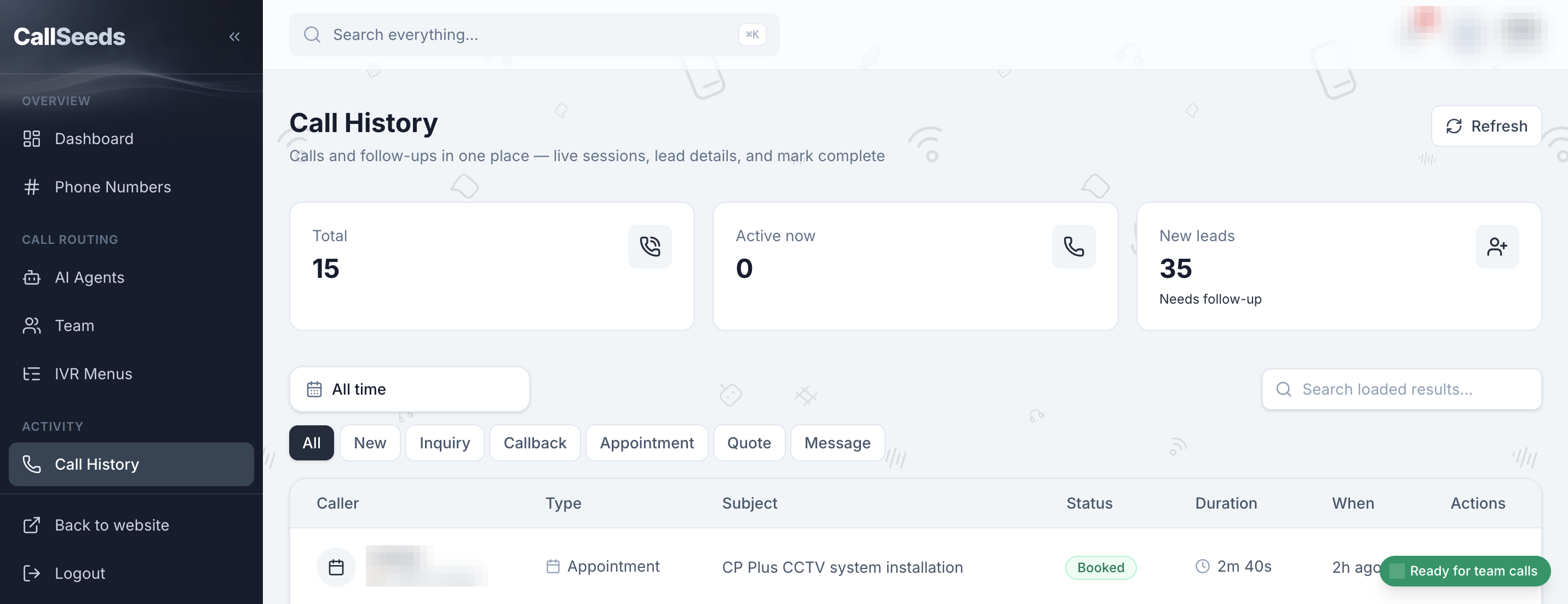
Review a call
- Open Call History from the sidebar
- Select a recent call
- Listen to the recording if available
- Read the transcript and summary
- Note anything the agent got wrong — update knowledge or instructions
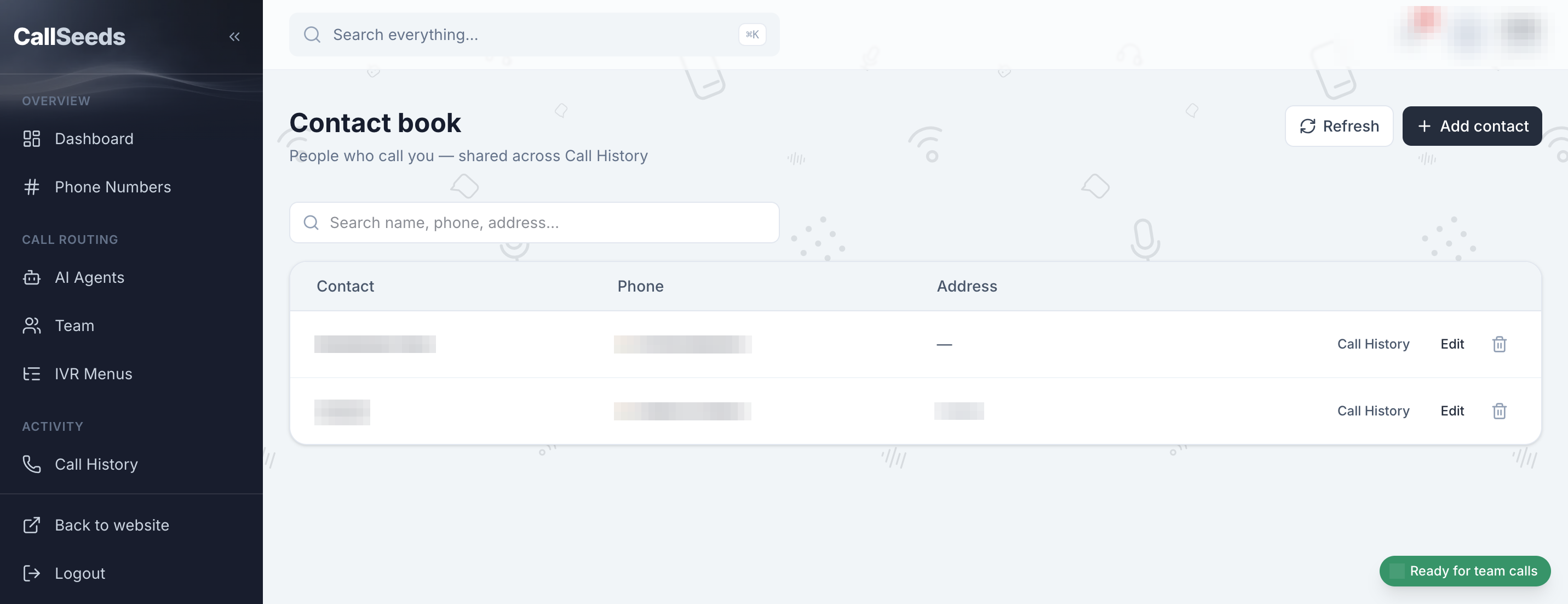
Work your leads and contacts
- Use Call History filters (New, Inquiry, Callback, Appointment) to prioritize follow-ups
- Open Contact book for the shared list of people who have called
- Use conversation context so your team does not ask the same questions twice
Follow along in your account
Sign in to CallSeeds and keep this guide open while you click through the same screens.