AI agents
Preview and test your agent in the browser
Practice a conversation with your CallSeeds AI agent in the browser before you put it on a live phone number.
4 min readOpen in dashboard
Before callers reach your agent on a real number, use the in-browser preview to hear how it sounds and catch gaps in knowledge or instructions.
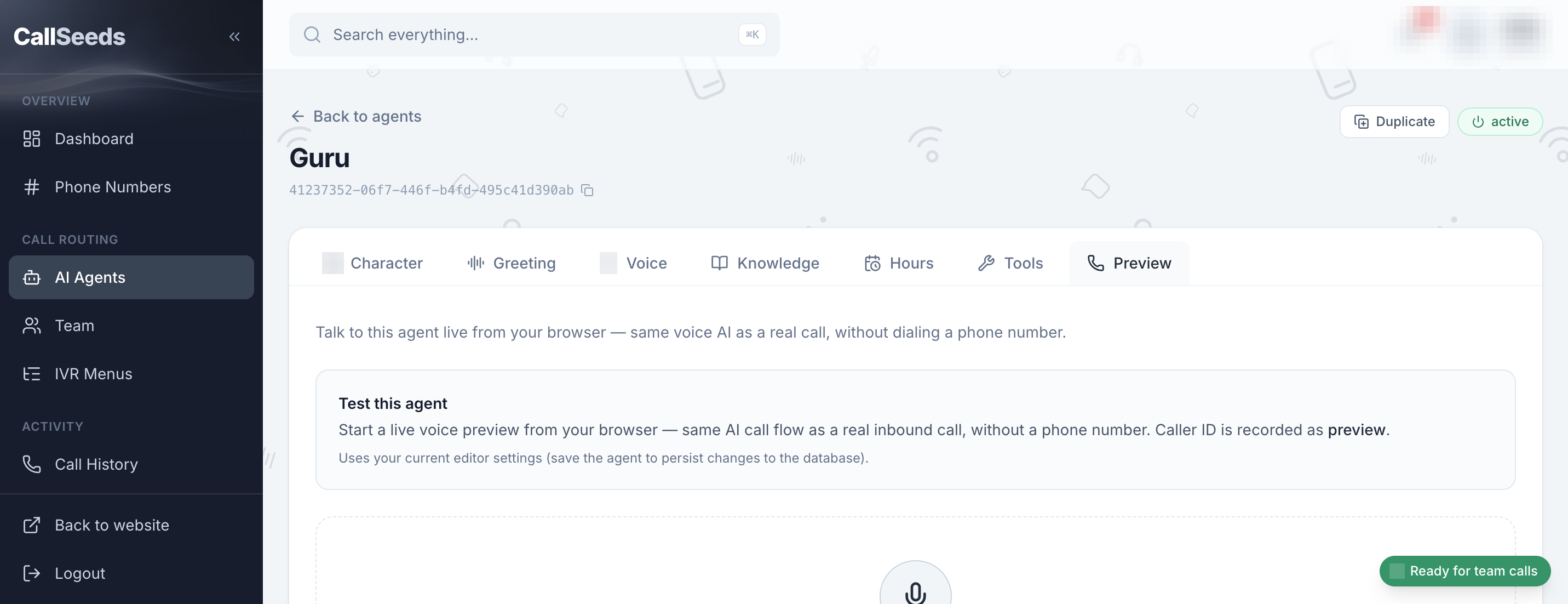
How to preview
- Open your agent from AI Agents
- Start the browser preview / try-it conversation
- Ask about hours, a service, and a booking request
- Try an off-topic or urgent question to see if escalation works
- Update instructions or knowledge, then preview again
Follow along in your account
Sign in to CallSeeds and keep this guide open while you click through the same screens.